LFIELDNOTES / SECURITY JOURNAL Official setup
A FIELD GUIDE TO SELF-CUSTODY 2026

Ledger.com/
start

A practical guide to preparing, setting up, and securing a hardware wallet.

Follow the security journey
01—05Five considered steps.
One safer starting point.
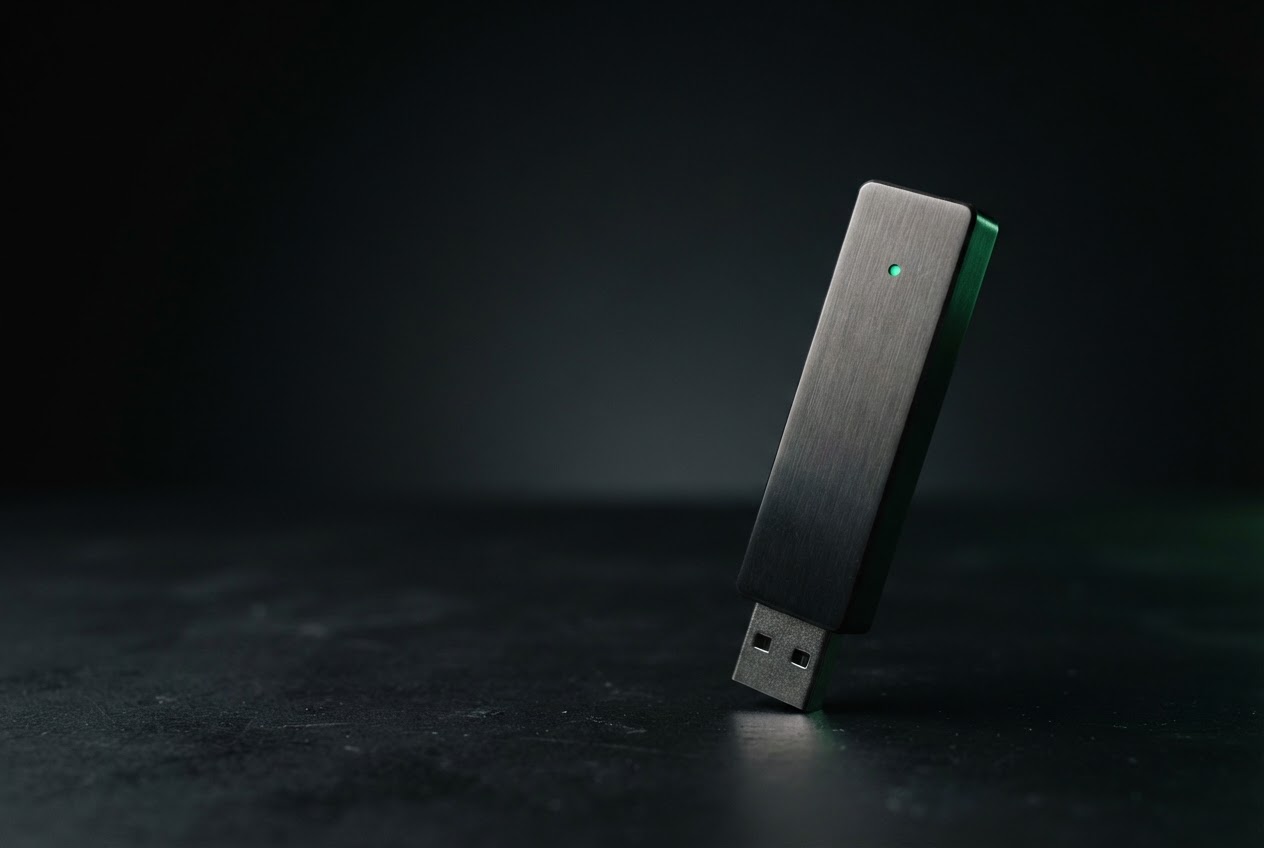
A dark graphite hardware wallet device lit against a black studio background
OBJECT / 001OFFLINE KEY STORAGE
INDEPENDENT EDUCATIONAL GUIDENOT AFFILIATED WITH LEDGER
[ A—E ] THE SECURITY JOURNEY

Confidence is
built in sequence.

Self-custody means taking responsibility for both access and recovery. Move through each stage at your own pace; if anything feels unexpected, pause and verify before you proceed.

01
Before you begin

Prepare

A few deliberate choices before unboxing make setup safer and easier to recover from later.

Choose a private moment

Set up somewhere you can concentrate without anyone watching your screen, recording your words, or interrupting you. A hardware wallet protects signing keys; it cannot protect a recovery phrase that another person sees.

Use your own trusted device

Start from the address you typed yourself: ledger.com/start. Check the spelling and the secure connection indicator before continuing. Avoid sponsored search results, unsolicited messages, and links from QR codes.

Gather the essentials

Have your computer or phone, a stable internet connection, and a pen and paper ready. Plan a secure, private place for the recovery phrase. Never prepare a digital note, photo, cloud document, or printer for it.

SEC / 01
02
Check what you received

Verify

Take time to confirm the device and its setup path before trusting it with assets.

Inspect the package and device

Look for damage or anything that seems altered. A recovery phrase should not arrive prewritten in a box, email, or card. If words or a PIN have already been supplied, do not use them; contact the seller through a channel you independently verify.

Install the companion software carefully

Follow the current instructions at Ledger’s own website for the software and device model you have. Verify the publisher and download source. Do not install apps, browser extensions, or “support” tools from unsolicited links.

Let the device establish trust

Complete the on-device authenticity checks in the official companion software. Keep firmware and apps current using the documented update flow; pause if a prompt asks you to reveal the recovery phrase. Genuine support will never need those words.

SEC / 02
03
Build a clean foundation

Set up

The setup process should begin with a device you control and a recovery phrase you create yourself.

Create a new wallet on the device

Choose the new-device path and set a PIN directly on the hardware wallet. Use a PIN that is difficult to guess and not reused elsewhere. The exact buttons and screens vary by model, so follow its current in-box instructions.

Write down the recovery phrase by hand

The device displays the words during setup. Record them in order, legibly, on the supplied recovery materials or another durable offline medium. Keep the words out of camera view and away from microphones, shared screens, and other people.

Confirm every word on-device

Use the device’s confirmation flow to verify the phrase, word by word and in sequence. Store the completed backup separately from the device, somewhere private and protected from fire, water, and casual discovery. Never type it into a website or computer.

Install only what you need

Use the official companion app to add the relevant blockchain applications and accounts. A device address is public information, but always confirm a receiving address on the wallet display before sharing it.

SEC / 03
04
Protect access and recovery

Secure

Security depends on both the device and the habits around it. Protect each independently.

Keep the phrase offline and secret

Anyone who learns the recovery phrase may be able to restore the wallet elsewhere. No legitimate transaction, support agent, giveaway, or verification step requires you to enter it online. Treat any request for the words as a likely theft attempt.

Separate PIN from backup

A PIN helps restrict access to the physical device; the recovery phrase restores the wallet. They serve different purposes. Do not store the PIN beside the phrase, and do not assume a PIN can replace a secure backup.

Slow down before signing

Read transaction details on the wallet screen, including destination and amount where shown. A computer can display misleading details. Reject unexpected prompts, token approvals, and signatures you do not understand.

Keep recovery resilient

Consider the physical risks to your backup and who can access it. Make a second backup only if you can secure it just as carefully; every copy increases exposure. Never split, test, or modify the phrase unless you understand the documented recovery method.

SEC / 04
05
Revisit your security

Review

A safe setup is a continuing practice, not a one-time checkbox.

Check your routine after updates

Use the official update path and reread the release prompts before proceeding. Updates can change screens and steps. If something differs from the documented flow, stop and verify it independently before approving anything.

Practice the recovery plan thoughtfully

Know where the backup is and how you would access it if the device were lost or damaged. If you decide to test recovery, use the wallet’s official instructions and a controlled process. Never enter the phrase into an online recovery checker or share it for troubleshooting.

Review who and what you trust

Periodically remove accounts and app access you no longer need, inspect connected services, and check that the backup remains legible and private. Reconfirm trusted web addresses rather than relying on old bookmarks or messages.

SEC / 05
KEEP THIS CLOSE

Security
checklist

A quick review before you consider setup complete. These checks support good habits; they do not guarantee that any device or transaction is risk-free.

PERSONAL REVIEW / 08 ITEMS
  • 01I reached the setup instructions by typing the address myself.
  • 02My device was not supplied with a PIN or recovery phrase.
  • 03I created the PIN and wallet on the hardware device.
  • 04I wrote down the recovery words privately, in order, and verified them on-device.
  • 05My recovery phrase is offline, private, and stored separately from my device.
  • 06I know that support, websites, and apps must never receive my recovery phrase.
  • 07I verify transaction details on the wallet screen before signing.
  • 08I can find official instructions again without using unsolicited links.
Read every item. Never rush a signature.SECURE BY PRACTICE ↗
WHEN IN DOUBT, RETURN TO THE SOURCE

Verify the path.
Then take your time.

This guide is independent educational material, not official Ledger support and not financial advice. Product interfaces and instructions can change; consult current documentation directly before acting.

Visit Ledger’s official setup resource